Audit Trail↑
The Audit Trail enables you to track and review all events(created, updated, deleted) by users.
This guide shows you how to view Audit Trail details. You can access the configuration section from the CAEPE Management > Audit Trail menu item.
Viewing Audit Trail↑
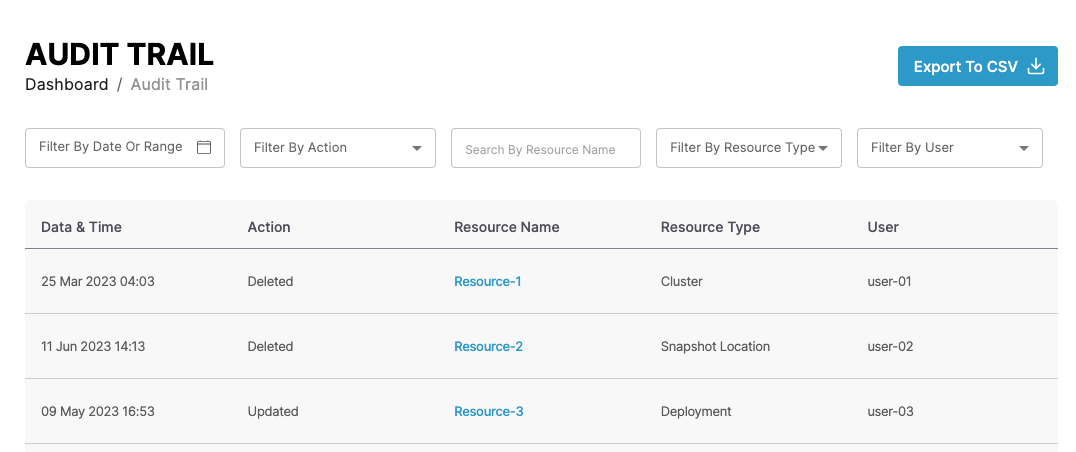
You can see the audit logs in the center of the page. Each entry shows the date and time, the action, the resource name and type, and the user who made the change. Click a resource name to open that resource.
You can filter by date or range, action, resource type, and user, and search by resource name.
Click the arrow at the start of an entry to see more details, including the resource ID, any annotation, and metadata.
Use the page numbers and No. of records at the bottom of the list to page through the logs.
Export the audit trail↑
Click Export to CSV to download the audit logs as a CSV file.
Tip
Deployments, clusters, applications, and schedules also have an Audit Logs tab on their details pages, which shows only the changes to that resource.